Answer
Mar 08, 2024 - 09:11 AM
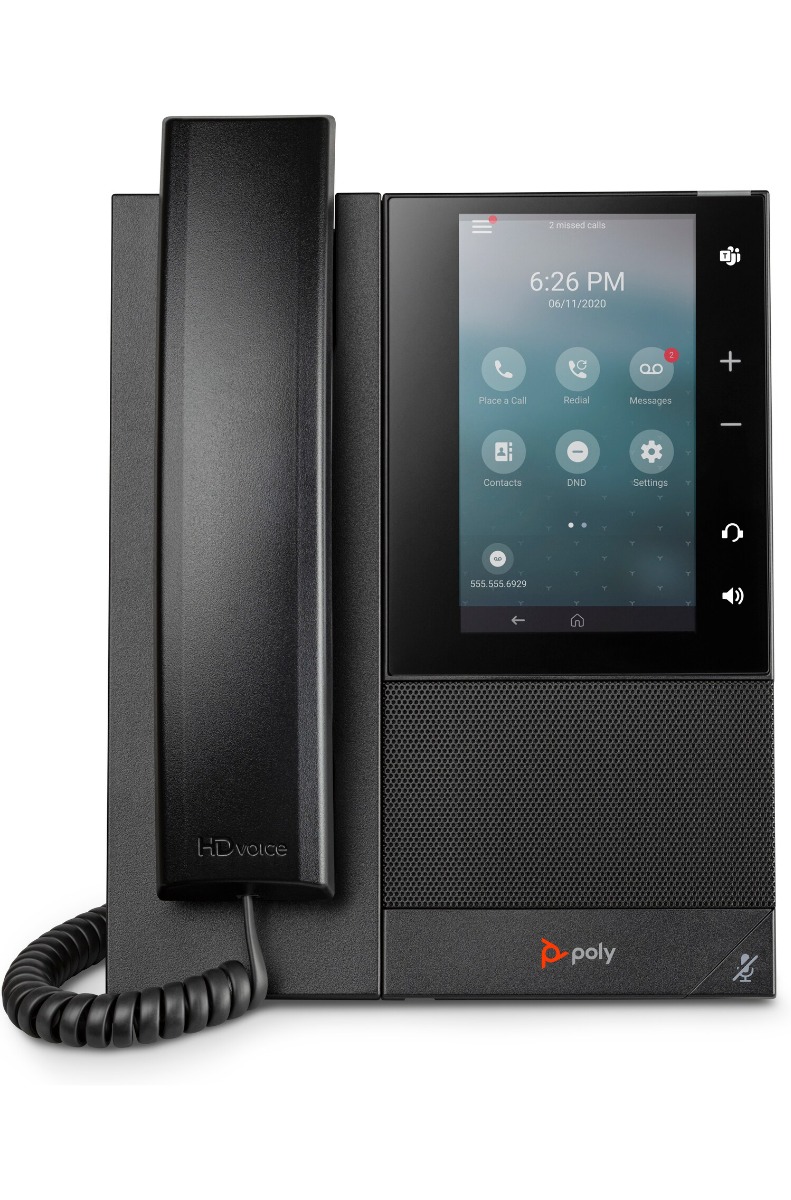
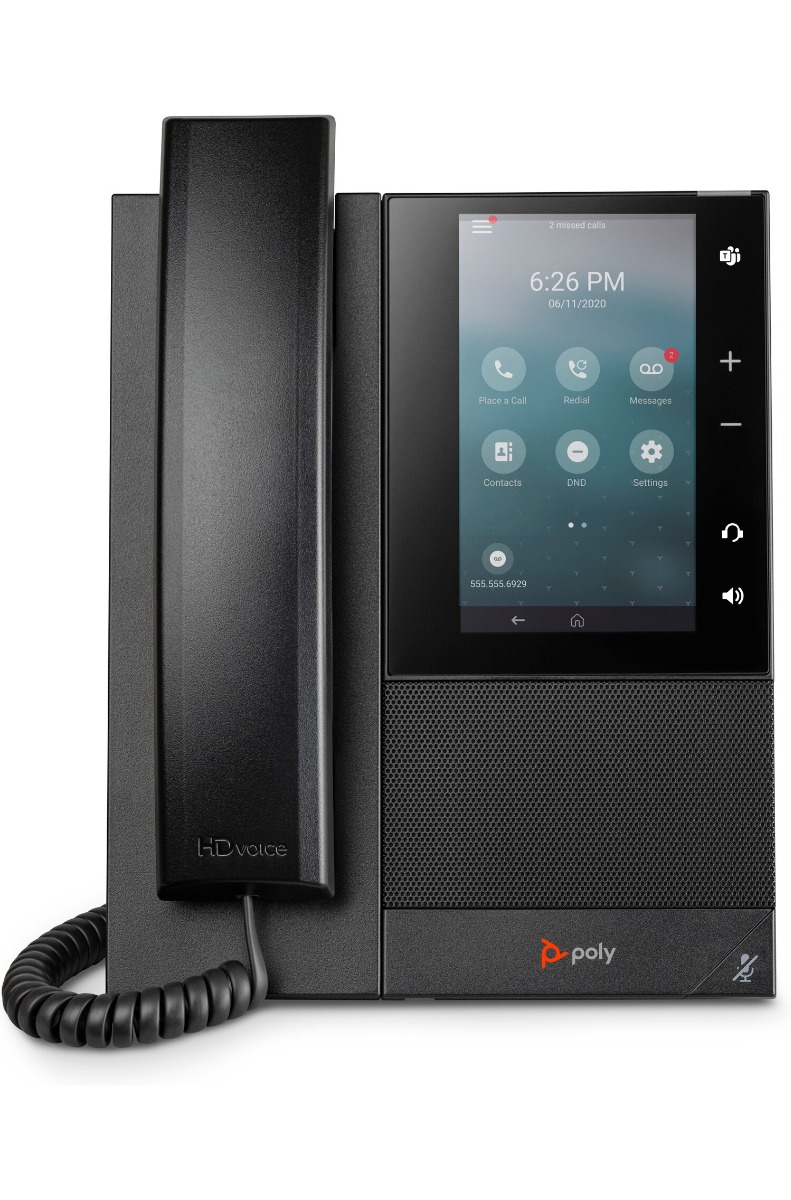
To add a name to a number on the Poly CCX 505 Media Phone with handset 82Z82AA when not using Teams, you typically follow these steps:
-
Access the Phone's Settings: On the Poly CCX 505, navigate to the settings menu. This is usually accessed by pressing the "Settings" button or by navigating through the menu using the arrow keys on the phone.
-
Select Contacts or Directory: Look for an option like "Contacts" or "Directory" in the settings menu. Select this option to access the list of contacts stored on the phone.
-
Add New Contact: In the contacts or directory menu, look for an option to add a new contact. This may be labeled as "Add Contact" or something similar. Select this option to proceed.
-
Enter Name and Number: You will typically be prompted to enter the name and phone number of the contact you wish to add. Use the keypad on the phone to enter the number, and use the arrow keys or keypad to navigate and enter the name.
-
Save Contact: Once you have entered the name and number, look for an option to save or confirm the contact. Select this option to save the contact to the phone's directory.
-
Verify Contact: After saving, you may be returned to the contacts list where you can verify that the new contact has been added successfully. You should see the name and number listed in the directory.