Answer
Apr 26, 2024 - 07:59 AM
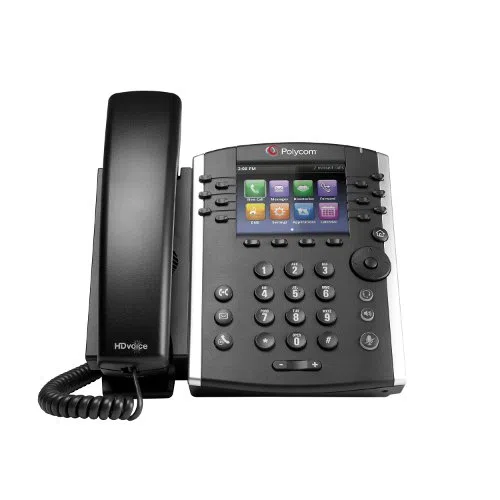
To set up a new voicemail recording on a Polycom VVX 411 PoE IP phone, follow these steps:
-
Press the "Messages" button on your Polycom VVX 411 phone or dial the voicemail access number provided by your VoIP service provider.
-
Enter your voicemail password when prompted. If this is your first time accessing voicemail or if you haven't set up a password yet, follow the system prompts to create one.
-
Follow the recorded instructions to navigate the voicemail menu. Typically, you'll need to select the option to record a new greeting or customize your voicemail settings.
-
Choose the option to record a new greeting. The system will guide you through the process of recording your voicemail greeting.
-
Speak clearly into the phone's microphone to record your new voicemail greeting. You may have the option to listen to and re-record your greeting if needed.
-
Once you're satisfied with your new voicemail greeting, save it according to the system prompts.
-
Exit the voicemail menu by following the prompts or pressing the appropriate button on your Polycom VVX 411 phone.
After completing these steps, callers will hear your newly recorded voicemail greeting when they reach your voicemail inbox. If you encounter any difficulties or if the process varies depending on your VoIP service provider, refer to the user manual for your Polycom VVX 411 phone or contact your service provider for assistance.