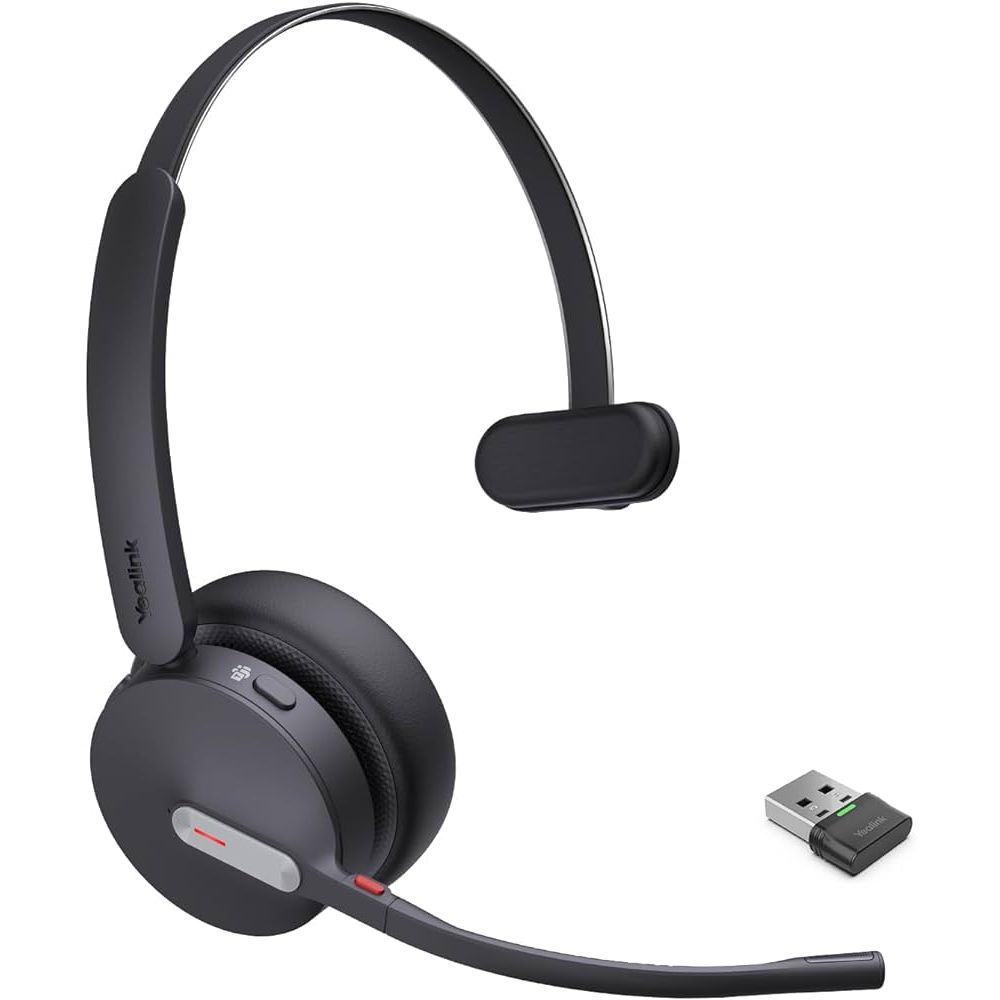
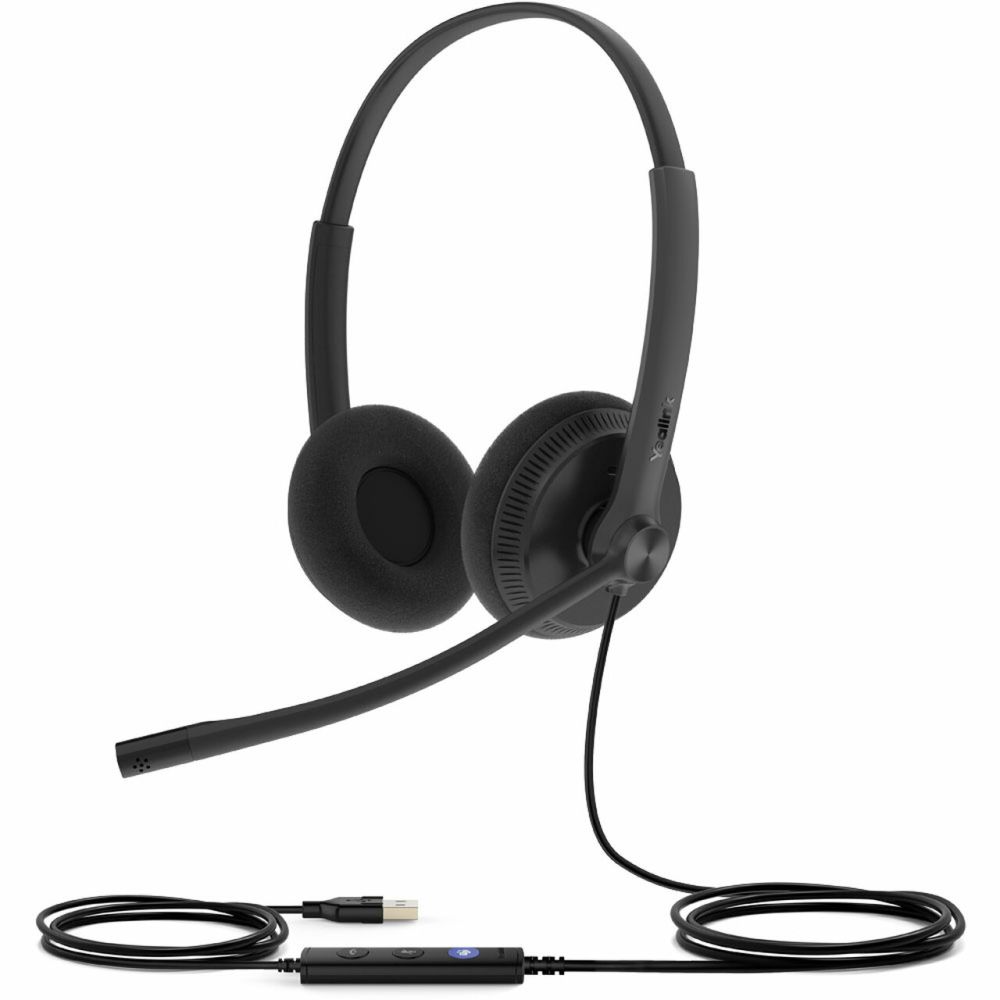
We’ve provided several answers to questions related to Headsets for Softphones and Messengers , see some other helpful Q&A related to this product.
-
Question: How do I connect my USB headset?
Answer: To connect your USB headset, plug the USB connector into an available USB port on your computer. Most computers will automatically detect the headset and install any necessary drivers. Once connected, you may need to select the headset as your audio input and output device in your computer’s sound settings.
-
Question: What are common problems with USB headsets?
Answer: Common problems with USB headsets include connectivity issues, such as the device not being recognized by the computer, and poor audio quality, like static or distorted sound. Users may also experience microphone malfunctions or driver compatibility problems, especially after system updates.
-
Question: How does a USB headset work?
Answer: A USB headset works by converting analog audio signals from your voice into digital data using a built-in sound card inside the headset. It connects to your computer or device via a USB port, allowing both audio input (microphone) and output (headphones) to be transmitted digitally for clear sound quality.
-
Question: Why isn't my computer recognizing my USB headset?
Answer: Your computer might not be recognizing your USB headset because of a faulty USB port, outdated or missing drivers, or a hardware issue with the headset itself. Try plugging the headset into a different USB port, updating your audio drivers, or testing the headset on another computer to identify the problem.
-
Question: How does wireless USB work?
Answer: Wireless USB works by utilizing ultra-wideband (UWB) radio waves to transmit data between devices without the need for physical cables. It operates by creating short-range wireless connections, typically up to 10 meters, and can achieve similar data transfer rates as traditional wired USB connections. Devices equipped with Wireless USB technology can communicate directly or through a host adapter that bridges the connection to a standard USB port.
-
Question: How does a USB wireless headset work?
Answer: A USB wireless headset operates by using a USB dongle that connects to a computer or device, establishing a wireless connection typically via radio frequencies like Bluetooth or proprietary 2.4 GHz signals. The headset converts audio signals into digital data, transmits it wirelessly to the dongle, which then relays it to the device. This setup allows for cordless communication and audio streaming without the need for direct physical connections.
-
Question: How do you set up a USB headset?
Answer: To set up a USB headset, plug the USB connector into an available USB port on your computer. The operating system should automatically recognize the device and install any necessary drivers. Once installed, select the USB headset as the default audio input and output device in your computer's sound settings.
-
Question: Does having a charging stand add value when choosing a softphone headset?
Answer: A charging stand offers a dedicated and organized place to store and charge your voip headset usb, ensuring it’s always ready for use and reducing cable clutter. Some stands also provide quick charging capabilities, which is ideal for busy professionals. For instance, the Jabra Evolve2 65 Mono UC w/ Deskstand includes a deskstand for convenient storage and charging, while the Yealink WH66 supports a Qi wireless charging stand. With options available both with and without charging stands, you can choose what best fits your workspace and charging needs.
-
Question: How long do wireless headset batteries last for softphone and messenger use?
Answer: Battery life is a critical factor for usb voip headset users, as it determines how long you can work without recharging. The best wireless headsets offer extended battery life for all-day use, with quick charging options for convenience. For example, the Jabra Evolve2 65 provides up to 37 hours of battery life, while the Yealink WH66 supports wireless charging for added convenience. A variety of headsets offer different battery life spans, so you can select one that matches your usage patterns.
-
Question: How do in-line controls and busylights make UC headsets better for calls and chats?
Answer: In-line controls and busylights add convenience and productivity to your workflow when using a usb voip headset. In-line controls allow you to quickly answer, mute, or adjust volume without reaching for your device, while busylights visually signal your call status to others, reducing interruptions. For instance, the Grandstream GUV3005 and Jabra Evolve2 65 both include busylight features and easy-access controls, making them excellent choices for busy office environments. With several headsets offering these functionalities, you can find the option that best fits your workflow needs.
-
Question: What audio features should I look for in headsets for softphone calls and messaging apps?
Answer: Audio quality is vital for clear communication and an enjoyable user experience when choosing a voip headset usb. High-definition (HD) audio, wideband speakers, and leak-tolerant designs can all contribute to excellent sound. Superior audio quality not only helps you hear others better but also reduces fatigue during long calls. For example, the Jabra Evolve2 65 offers HD audio and leak-tolerant speakers for music and calls, while the Grandstream GUV3000 delivers crystal-clear HD audio. With various headsets offering different audio enhancements, you can prioritize the sound quality features that matter most to you.
-
Question: Why does mic quality matter when choosing a headset for softphone or messenger use?
Answer: Microphone technology determines how well your voice is captured and how effectively background noise is filtered out when using a voip headset usb. Look for headsets with noise-canceling or unidirectional microphones for professional-sounding calls. Features like acoustic shield technology or advanced digital processing can further enhance call clarity. The JPL Commander-2 USB Headset boasts a Surround Shield™ noise-canceling microphone, while the Yealink WH66 uses Acoustic Shield Technology for crisp audio. By offering a range of microphone technologies, these headsets ensure you can select the right model for your audio quality needs.
-
Question: Why is noise cancellation important when choosing chat headset gear for calls and messaging apps?
Answer: Noise cancellation is essential for maintaining clear communication in noisy environments by minimizing background distractions for both the user and the person on the other end of the call. A usb voip headset may feature passive noise isolation (from ear cup design) or active noise cancellation (ANC) through electronic processing. Advanced noise-canceling microphones also help ensure your voice comes through clearly. For instance, the Jabra Evolve2 65 and Grandstream GUV3005 both offer superior noise cancellation, making them ideal for open offices or remote work. As different models provide varying levels of noise cancellation, users can choose the best fit for their environment.
-
Question: How does compatibility affect my choice when picking a headset for softphone and messenger calls?
Answer: Compatibility ensures your usb voip headset works seamlessly with your preferred communication platforms and devices, reducing setup hassles and optimizing performance. Many headsets are certified for use with UC (Unified Communications) platforms, Microsoft Teams, softphones, and IP phones. This certification can guarantee features like call controls and optimal audio integration. For example, the Yealink UH34 Lite Dual Teams is Teams-certified for streamlined Teams use, while the Jabra Evolve2 65 UC and Yealink WH66 DECT UC offer broad compatibility with various UC platforms. With headsets supporting multiple platforms, you can be confident your choice will fit into your existing or future communication tools.
-
Question: Which headset wearing style is best for using softphone/messenger headsets before I buy?
Answer: The wearing style of a voip headset usb affects comfort, focus, and overall user experience. Common styles include mono (single ear), stereo (dual ear), over-the-head, and on-ear. Mono headsets are ideal for users who need to stay aware of their surroundings, while stereo options provide immersive sound and better noise isolation. Over-the-head designs typically offer greater stability and comfort for extended wear, while on-ear styles are lighter and more portable. For example, the Jabra Evolve2 65 Stereo is perfect for focused work and music, while the Jabra Evolve2 65 Mono offers one-ear flexibility for multitasking. The Yealink UH34 Lite Mono UC is a lightweight, all-day option for single-ear use. With multiple styles available, users can select what’s most comfortable and suitable for their work environment.
-
Question: Which connection types work best for UC headsets when using softphones or messaging apps?
Answer: Connectivity is a crucial consideration when purchasing a usb voip headset, as it determines compatibility with your devices and the flexibility of your setup. The most common options include USB-A, USB-C, 3.5mm, DECT, and wireless (Bluetooth). USB-A and USB-C are widely compatible with PCs, laptops, and some phones, while 3.5mm offers compatibility with traditional audio jacks. DECT and Bluetooth provide wireless mobility, which is great for users needing to move around. Some headsets even offer multiple connectivity options for greater versatility. For example, the Yealink UH34 Lite Dual Teams and JPL Commander-2 USB Headset support both USB-A and USB-C, making them adaptable for changing device environments. The Yealink WH66 DECT Wireless provides wireless convenience for dynamic workspaces. With such a range of connectivity options available, users can easily find a headset that fits their needs and preferred devices.