Answer
Sep 18, 2026 - 10:00 AM
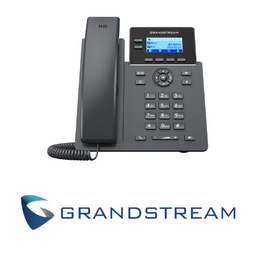
To operate a Grandstream phone, connect it to power and network, then follow the on-screen prompts to configure your account or extension. Use the keypad to dial numbers, answer calls with the handset or speakerphone button, and access features like voicemail, call transfer, and conference using the dedicated function keys. Refer to the phone’s user manual for detailed instructions on advanced features.